
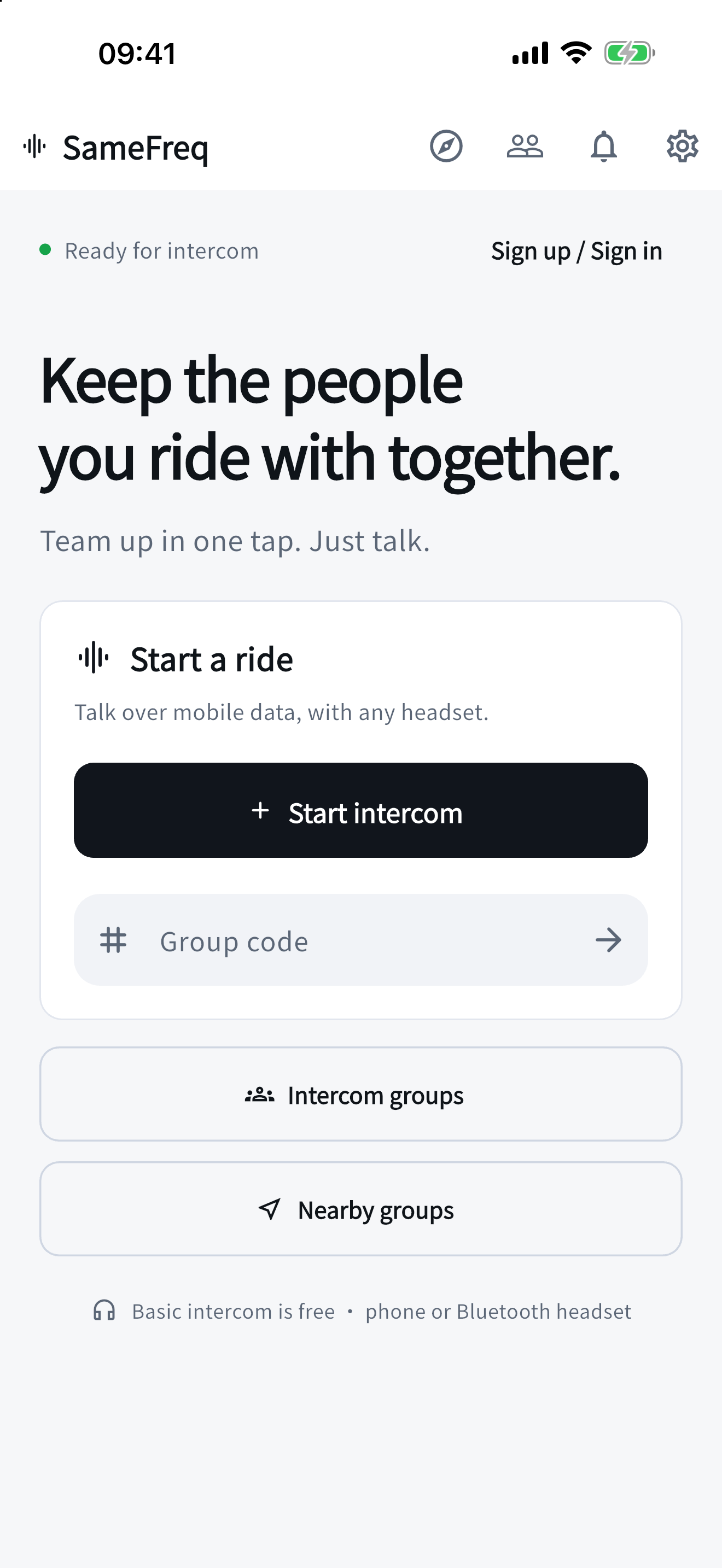
Start in One Tap
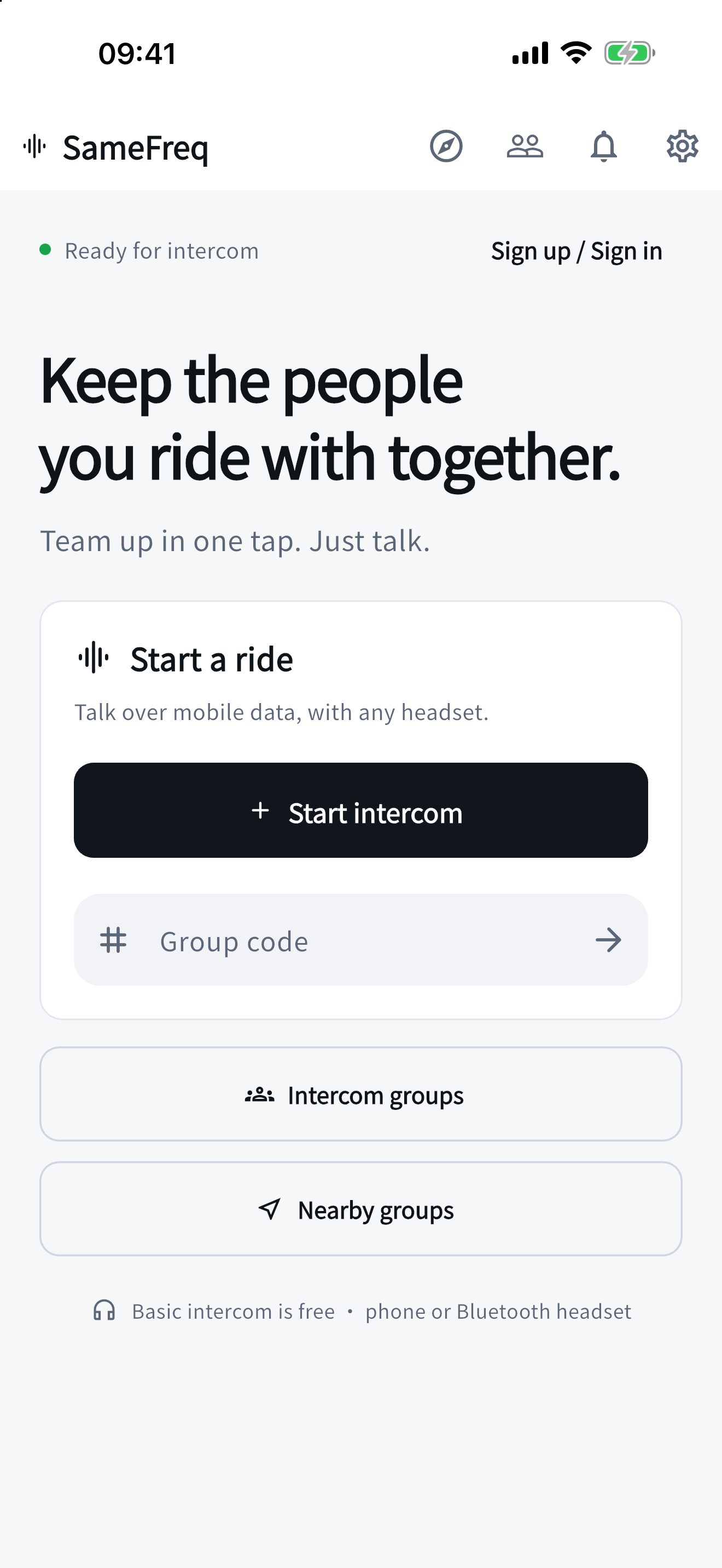
Launch a new intercom group, enter a 6-digit ride code, or browse nearby riders from one clean home screen.
Live group voice intercom over cellular data for cyclists and motorcyclists. Use your existing AirPods or helmet headset — no proprietary hardware required.
Android on Google Play is coming soon. Free accounts include 1 full month of Pro — no card required.
Clear 24 kbps speech audio with silence suppression, lock-screen background support, and automatic ride tracking.
Launch a new intercom group, enter a 6-digit ride code, or browse nearby riders from one clean home screen.
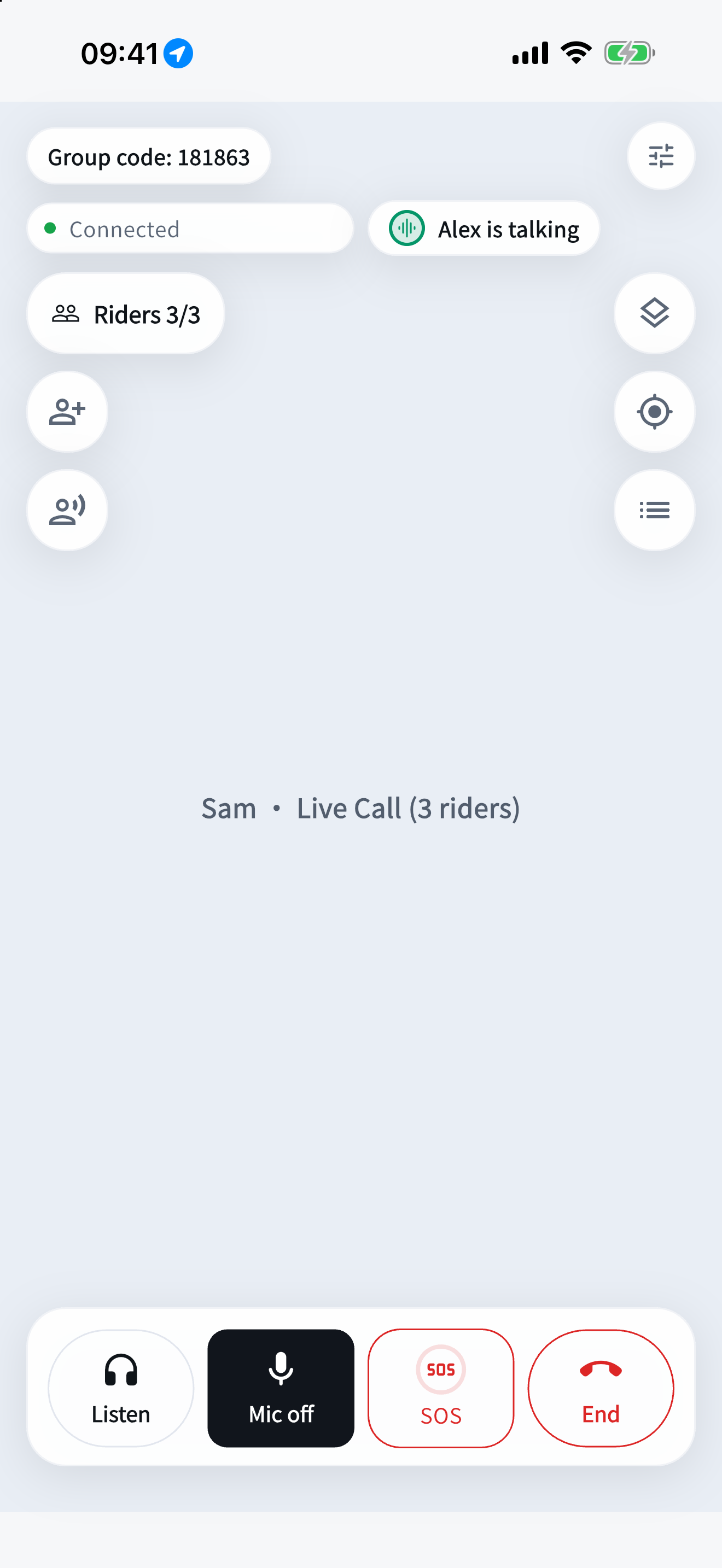
See live team status, mute/unmute or queue to speak in 7–12 rider groups, and hold SOS for instant emergency priority.
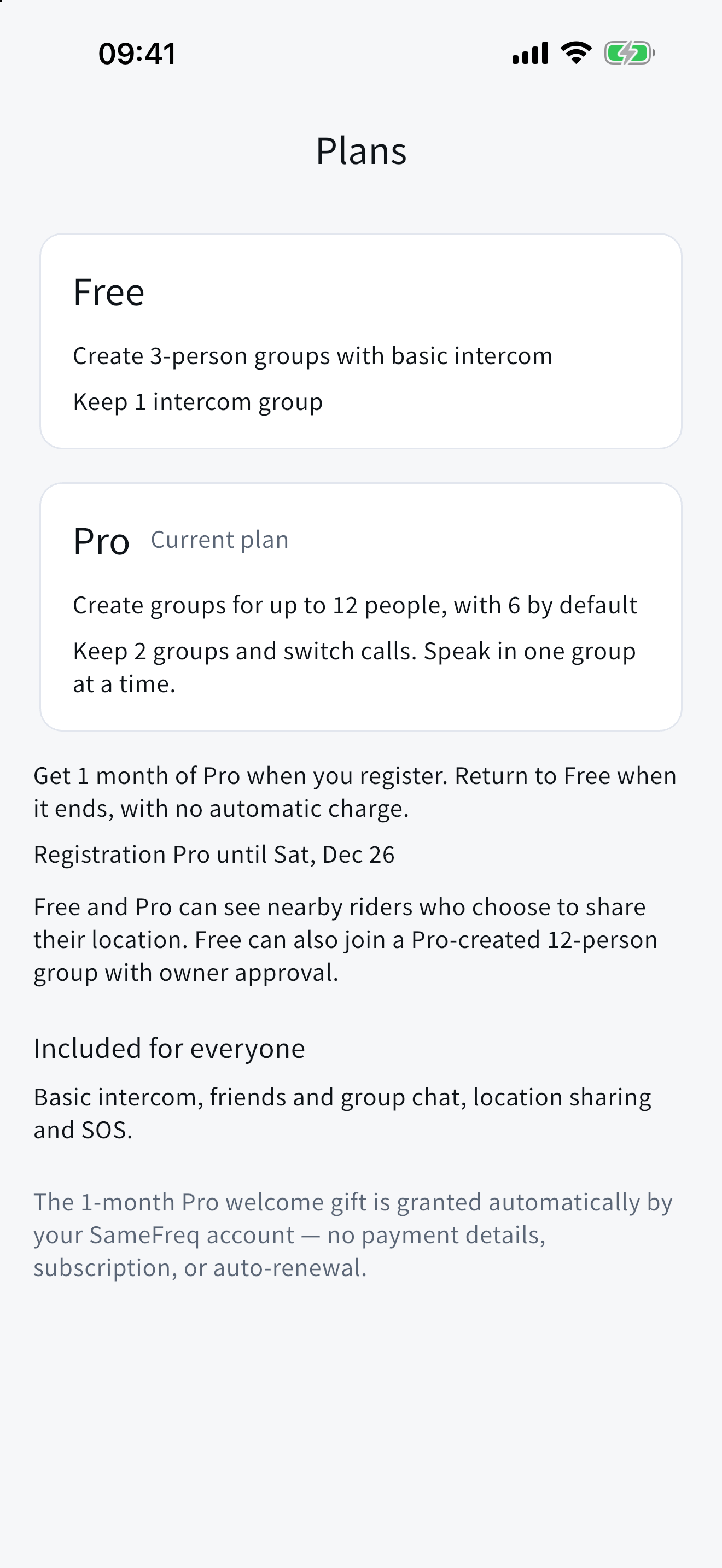
Free includes 3-rider groups and Nearby browsing; new accounts get 1 calendar month of Pro with no card required.
Get your weekend group talking in under two minutes.
Install Apple’s free TestFlight app, tap Join iOS Beta, and sign up with your email verification code. Every new account receives 1 calendar month of Pro automatically.
Tap Create group to generate a 6-digit room code (or share an invite link). Teammates enter the code and join once approved by the creator — Free members can join Pro 12-rider rooms too.
You join muted by default. In groups of up to 6, anyone can unmute freely. In 7–12 rider groups, tap Mic On to request the speaking turn (one speaker at a time; auto-releases after 5 s of silence). Lock your iPhone and ride hands-free with your Bluetooth headset while your local GPS track records automatically.
Enable group location sharing to see teammates on the map, or press and hold SOS in an emergency to take priority audio and send an alert with your coordinates to the group.
Only the group organizer needs Pro for bigger rides — teammates join for free.
$0 forever · No card required
1 calendar month included on sign-up (no auto-charge)
Groups of 7–12 riders use managed speaking turns (similar to a push-to-talk radio channel): tap Mic On to take or queue for the mic, and tap again when finished (or pause for 5 seconds to release automatically). Keeping one active speaker prevents overlapping wind noise, helmet echo, and cellular congestion — while Hold SOS always cuts through immediately in an emergency.
No. Only the person creating a 6-person or 12-person group needs Pro. Free users can join any Pro group once approved by the group creator.
No. SameFreq is an internet intercom that uses mobile data (4G/5G/Wi-Fi). If signal drops briefly, it reconnects automatically when coverage returns.
Live voice is encrypted in transit (WebRTC DTLS-SRTP) and is never recorded or stored on our servers. Automatic ride tracks are saved locally on your device until you export or delete them.
The Android build is being prepared for Google Play (Australia). You can follow updates here or contact [email protected].